
Best AI Sales Tools for B2B Teams: What to Compare
Gen-X Team · Published · Updated · 9 min read
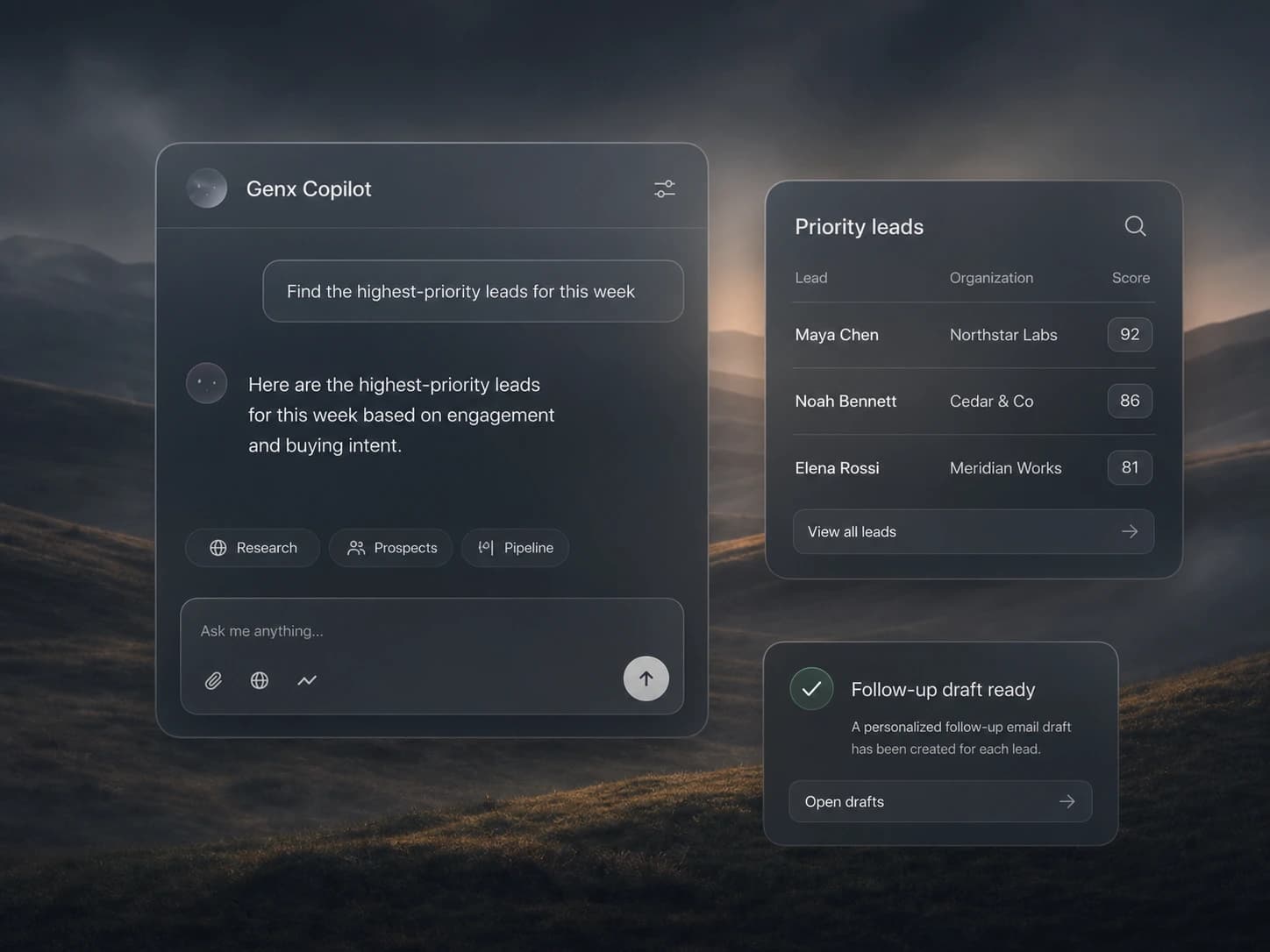
In short: The best AI sales tools improve a complete sales workflow: finding the right buyer, keeping the evidence, preparing outreach, following up, and recording the outcome, with clear human approval where it matters.
Start with the sales job, not the AI label
AI sales tools now cover prospect research, data enrichment, writing, sequencing, call summaries, forecasting, and workflow automation. Those categories solve different problems. A team that needs better audience quality should not evaluate software with the same checklist as a team that is losing follow-up after meetings.
Document the slow or unreliable part of the current process first. Record the trigger, required evidence, owner, next action, system of record, and outcome. The useful question is not which product has the most AI features. It is which product removes the most costly handoff without making decisions harder to check.
| Category | Best used for | Evidence to inspect |
|---|---|---|
| Prospecting | Finding and qualifying buyers | Coverage, freshness, match reasons |
| Engagement | Coordinating outbound touches | Controls, replies, suppression rules |
| Meeting AI | Capturing conversations | Transcript quality, actions, consent |
| AI sales agents | Running work across stages | Approvals, action log, integrations |
Evaluate the context available to the AI
A writing assistant can produce plausible copy from a short prompt. A sales tool needs dependable account, contact, activity, and workflow context. Ask which records the system can use, how recently they were verified, whether the source stays visible, and how the user can correct an inference.
Test the system with records that contain missing, conflicting, and outdated fields. Strong tools show uncertainty and create a review path. Weak tools hide gaps behind polished output. For customer-facing work, visible evidence is worth more than confident language.
Compare control, integration depth, and recovery
Check where a person must approve an action, how permissions work, and what stops a workflow after a reply or ownership change. Review the event history and failure state. Automation should make it obvious what ran, what did not, and what an operator needs to do next.
Integration depth should be shown with real records and fields. A marketplace logo does not prove that account ownership, activities, suppression state, and custom fields move correctly. Run one representative workflow from source data to commercial outcome before expanding the pilot.
Where AI sales agents fit among AI sales tools
Most AI sales tools help a person do one step faster. AI sales agents take on the steps themselves. Gen-X gives you a crew you chat with like coworkers: Prospect Scout finds and verifies leads, Campaign Manager runs email sequences, Inbox Manager handles replies in Gmail or Outlook and books meetings, LinkedIn Assistant runs LinkedIn outreach, and Leads Manager keeps the pipeline current. Gen-X, the team lead, splits the work and sends a Daily Brief at 08:00.
This model fits best when moving information between point tools costs as much as the work inside them. You set approvals per agent and per action, and every action is logged in the thread. It works with Gmail, Outlook, Google Calendar, HubSpot, Slack, and 50+ other integrations, and there is a Free plan to test it. A team with deeply customized systems may still prefer focused tools for single stages, so evaluate it with your own audience and workflow.
Measure a complete commercial outcome
Track time from signal to action, qualified conversations, manual review rate, data corrections, workflow failures, meetings, and pipeline created. Include adoption: a capable tool creates little value if reps cannot understand its recommendations or operators cannot maintain the process.
A useful pilot begins with one audience and one workflow. Record the current baseline, run enough volume to see exceptions, and review the result with the people who own the process. The best AI sales tool is the one the team can trust, run, and connect to revenue.