
AI CRM Automation Workflows for a Cleaner Pipeline
Gen-X Team · Published · Updated · 9 min read
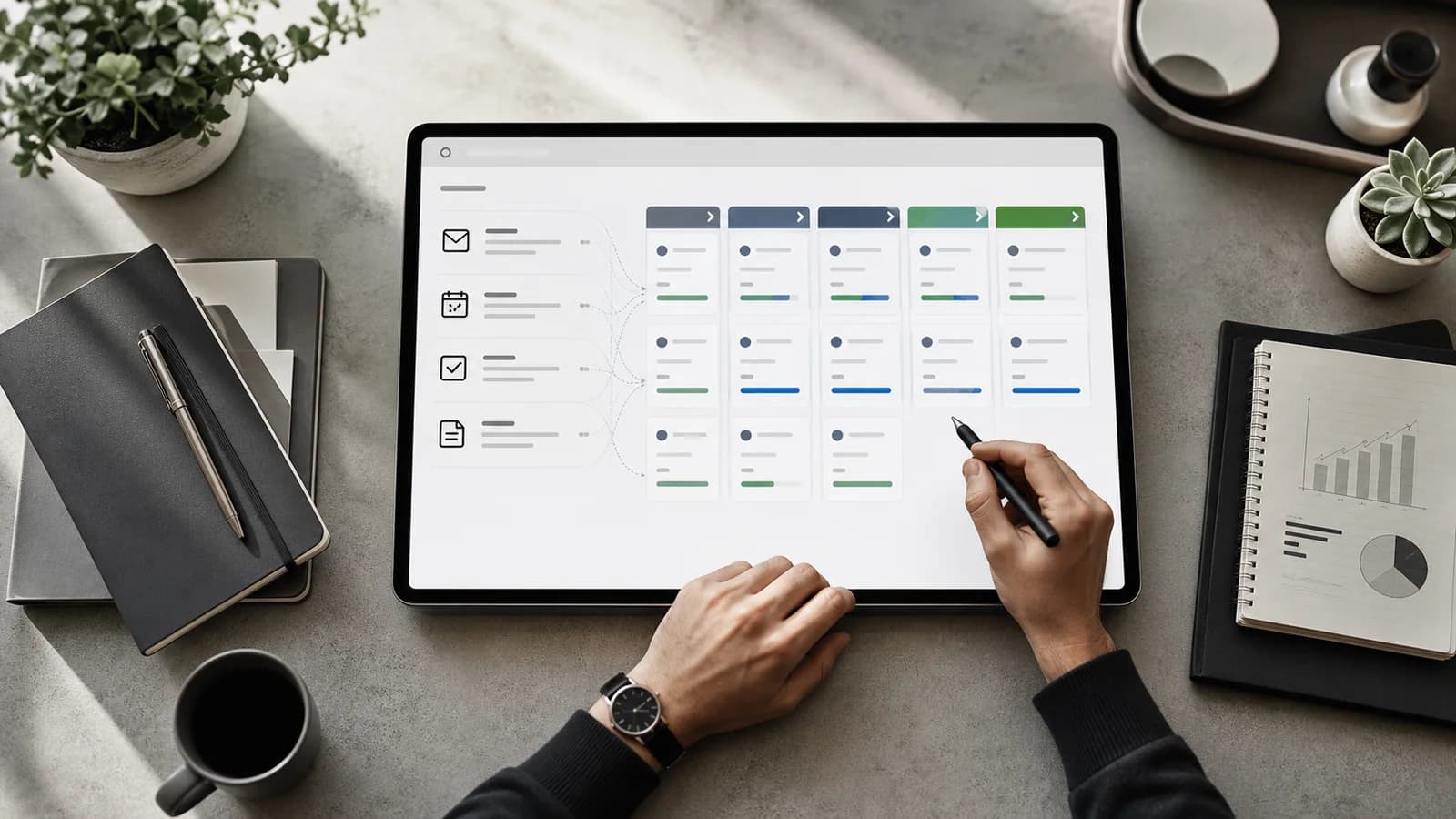
In short: An AI CRM automates record capture, routing, follow-up, and pipeline updates with clear rules and an audit trail, so the CRM reflects real selling activity without manual data entry.
What is CRM automation?
CRM automation uses triggers and rules to capture data, assign records, create tasks, update fields, and coordinate follow-up. It reduces manual admin while keeping prospect, account, and opportunity records in line with the work happening across sales channels.
Useful automation makes the CRM more dependable without hiding how records change. Every workflow needs a clear owner, visible criteria, safe exceptions, and an audit trail. The aim is a pipeline that reflects reality, not a system that fills fields no one trusts.
Capture and standardize new records
New leads can arrive from inbound inquiries, prospecting, events, imports, referrals, and product activity. An intake workflow should validate required fields, normalize common values, resolve the company, check for duplicates, and record the source before a lead enters an active queue.
Treat incomplete data on purpose. High-confidence records can continue automatically, while unclear matches should go to a review queue. Keep original values and timestamps when normalization matters. This creates one dependable record without letting automation overwrite useful evidence.
Automate lead routing with explicit rules
Routing can use territory, segment, account ownership, product interest, language, capacity, or named-account rules. Define a fixed order when several rules match, and create a fallback owner or queue for records that match none. Every assignment should record which rule made the decision.
Speed matters, but only after eligibility is confirmed. Check consent, suppression status, duplicate opportunities, and recent activity before creating outreach tasks. Add a reassignment path for unavailable owners and an alert when a qualified lead has not been acted on within the expected window.
Turn activity into accurate pipeline updates
Email replies, meetings, completed tasks, call outcomes, and campaign engagement should update the CRM without reps entering the same event twice. Connect these activities to the right contact, account, and opportunity, then update only the fields the event can support with confidence.
Avoid advancing deal stages from weak signals. A booked meeting may justify a task and an activity record, but it may not prove qualification. Define the evidence required for each stage and leave judgment-heavy changes to the owner. Automation should prepare the decision, not invent progress.
Protect follow-up and next steps
A healthy opportunity has an owner, a current stage, a dated next action, and recent activity. CRM automation can detect missing next steps, create reminders after meetings, flag stalled deals, and alert managers when important opportunities go quiet. It can also stop prospecting sequences as soon as a live sales conversation begins.
Use alerts carefully. Too many alerts train teams to ignore them. Prioritize by deal value, stage, inactivity, and expected close date, then deliver the alert where the owner already works. The workflow should make the next action obvious and give enough context to complete it right away.
How an AI CRM works with AI sales agents
Rules handle predictable updates. AI sales agents can handle the updates that need a bit of reading. In Gen-X, Leads Manager owns leads and pipeline: it records what happened, flags deals that went quiet, and keeps HubSpot or Google Sheets in sync if you use them. Inbox Manager reads replies in Gmail or Outlook and books meetings, so the activity behind each update is real, not guessed.
You can ask in chat, for example which deals have had no reply in two weeks, and get an answer from the live pipeline. Updates that change important records can require your approval, set per agent and per action, and every action is logged in the thread. Gen-X, the team lead, rolls the day's changes into a Daily Brief at 08:00.
Measure data quality and pipeline confidence
Track duplicate rate, required-field completion, assignment time, stale opportunities, activities without a related record, workflow failures, and manual corrections. Connect those measures to conversion, sales cycle length, forecast movement, and pipeline coverage.
Begin with the workflow causing the most repeated cleanup or the longest response delay. Record a baseline, automate the stable steps, and review exceptions with the people who use the CRM every day. Good CRM automation creates less invisible work and a pipeline leaders can trust.