
AI Agents for Small Business Sales Automation
Gen-X Team · Published · Updated · 9 min read
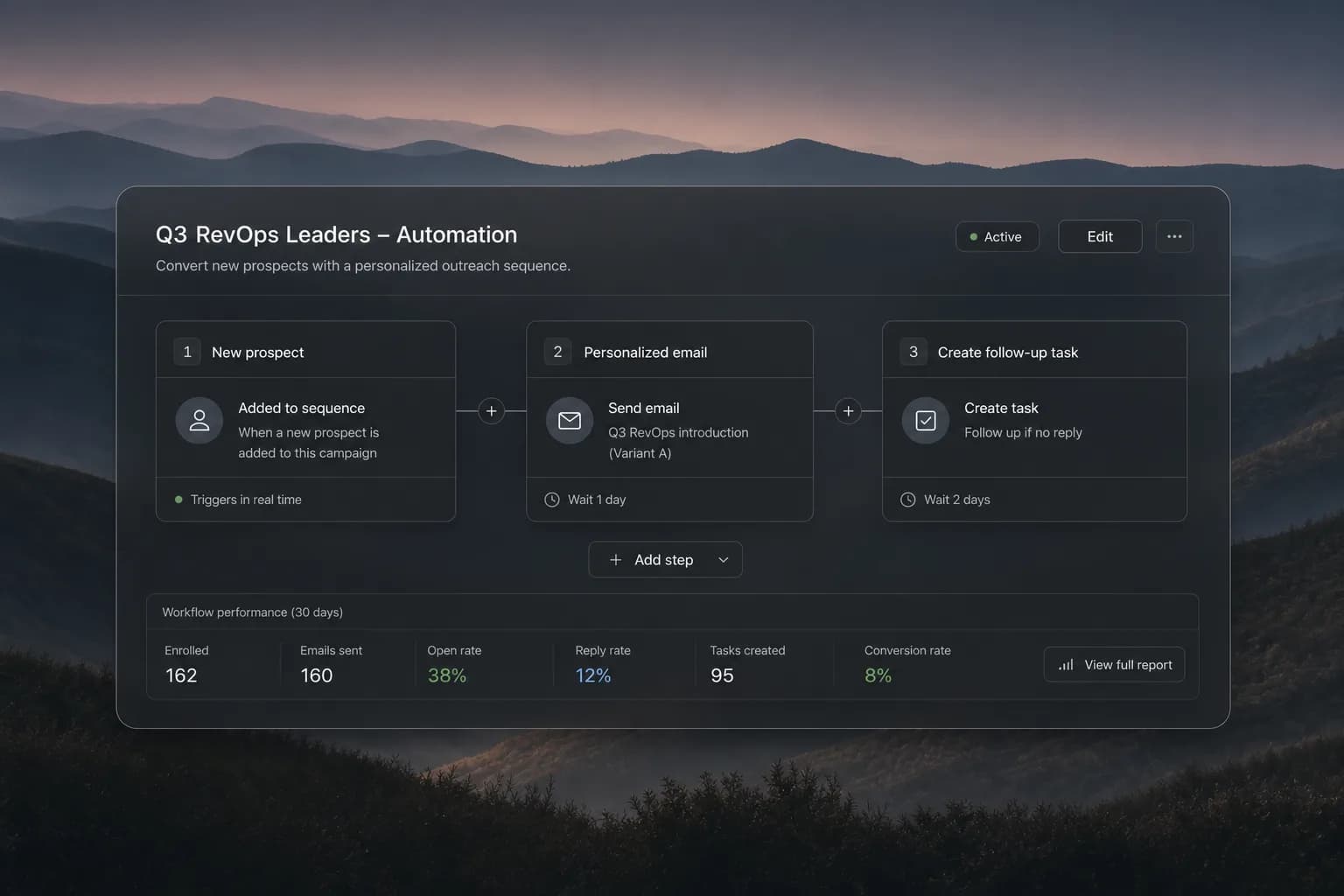
In short: The best sales automation for a small business removes repeated work from one complete workflow, is easy to run without a RevOps team, and proves value quickly. AI agents for small business can now do that work for you.
Choose around the work a small team repeats
Small teams feel handoffs quickly because the same person may research accounts, launch outreach, run meetings, and update pipeline. The first automation target should be a stable process that eats time every week, such as assigning inbound leads, building a prospect list, following up after meetings, or keeping next steps current.
Write the current workflow from trigger to outcome and count the manual steps. Software should remove enough of them to justify setup and upkeep. A broad platform is useful only when the team can run it without creating a second job for an administrator.
Compare the main software approaches
Different product categories can all be called sales automation. Compare the category with your main bottleneck before comparing feature lists.
| Approach | Strength | Tradeoff |
|---|---|---|
| CRM automation | Pipeline and record workflows | May need separate prospecting and outreach |
| Sales engagement | Sequenced outbound execution | Context can remain outside the system |
| No-code automation | Flexible connections | Requires design, monitoring, and recovery |
| AI agent team | Agents run the steps across stages | Needs clear approval rules from day one |
Inspect total operating cost
License price is only one part of cost. Include setup, extra data providers, email infrastructure, integration upkeep, duplicate cleanup, and the hours spent fixing failed workflows. Confirm which limits apply to contacts, enrichment, automation runs, users, and channels.
Prefer a pilot that can reach value with the team you already have. If the software needs extensive custom work before one workflow runs, count that in the purchasing decision rather than treating it as a later detail.
Require clear controls and safe exceptions
The team should be able to see why a record entered a workflow, what action is scheduled, and what stops it. Test duplicate prospects, missing data, opt-outs, replies, ownership changes, and unavailable integrations. The safe behavior is usually to pause and show the exception.
AI-written messages and recommendations should stay reviewable. Use human approval for new plays and important accounts, then reduce review only when the team has evidence that the workflow behaves consistently.
How AI agents for small business sales work in Gen-X
A small team rarely has an SDR, a campaign manager, and an ops person. Gen-X gives you that crew as AI sales agents you chat with like coworkers. Prospect Scout finds and verifies leads, Campaign Manager runs email sequences, Inbox Manager sorts replies in Gmail or Outlook and books meetings, and Leads Manager flags deals that went quiet. Social Assistant drafts and schedules posts, and Creative Assistant makes the visuals.
You decide per agent and per action what needs your yes, including emails, posts, and anything that spends money, and you can approve from Slack or WhatsApp when you are away from your desk. Schedules keep agents working overnight, and a Daily Brief at 08:00 tells you what happened. There is a Free plan, and paid plans are Pro at $29/mo and Max at $99/mo.
Run a two-week outcome-based pilot
Choose one audience and one owner. Record the current setup time, manual steps, response delay, data errors, and commercial outcome. Run the same process with the candidate software and review every exception during the pilot.
Hold Gen-X to the same standard as any alternative: fewer handoffs, clear ownership, safe control, and measurable progress toward qualified conversations and revenue.