Online form builder with AI
Build lead capture forms with AI, then route every response.
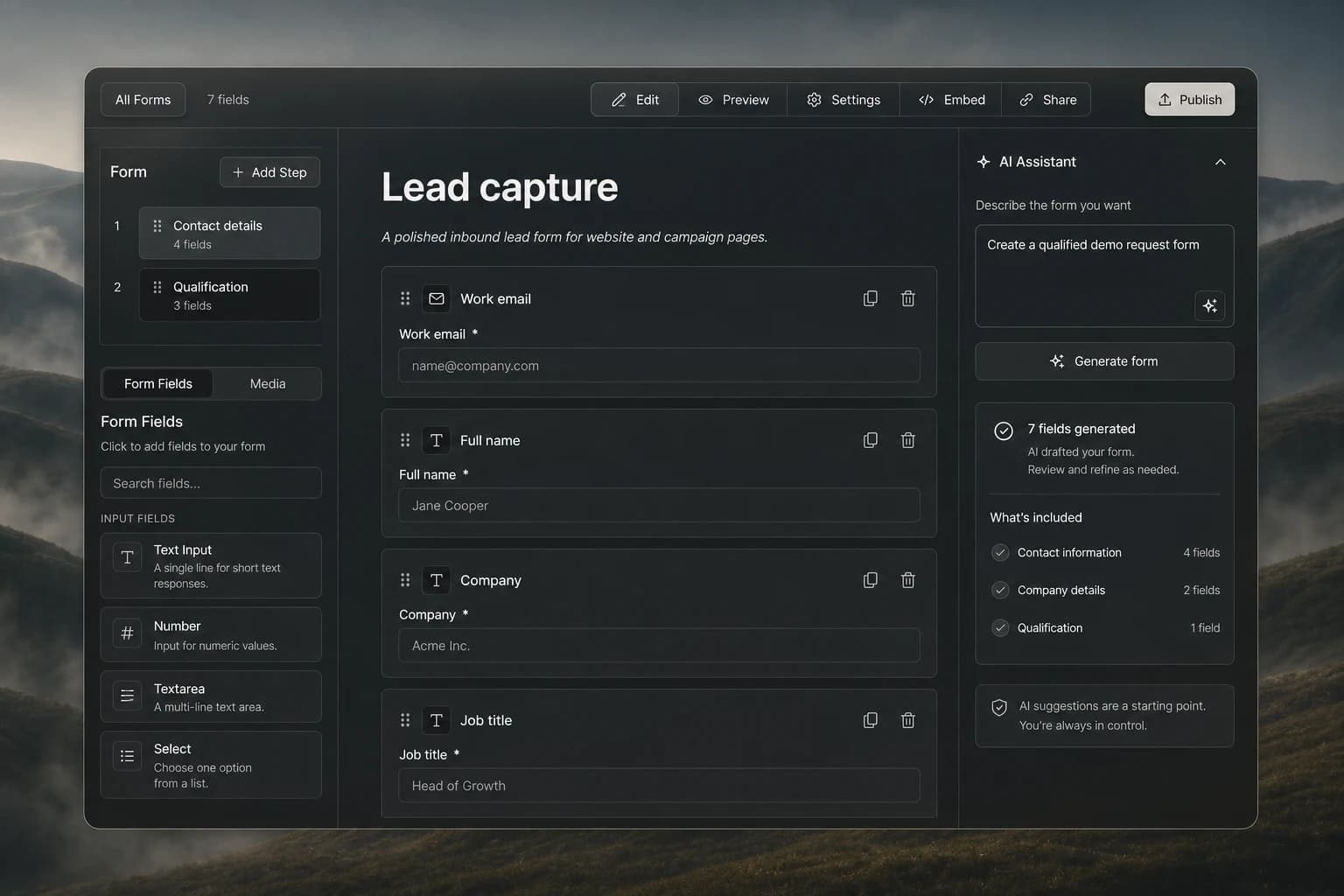
Build lead capture and intake forms with the Gen-X online form builder. Use AI to draft fields, refine the experience, publish, and connect responses to sales work.
How quickly can a useful lead form go from idea to live?
AI removes the blank canvas, while a structured builder keeps the final experience deliberate. The result is faster creation without giving up control over qualification.
Create a form with AI
Describe the inbound motion and let AI draft a useful form structure, fields, and qualification step for your review.
Build multi-step experiences
Break longer lead capture and intake flows into focused steps that are easier for prospects to complete.
Qualify leads at capture
Collect the contact, company, role, and intent signals your team needs before the first follow-up.
Edit every generated field
Treat the AI draft as a starting point, then refine labels, requirements, choices, and layout with direct control.
Publish, embed, and share
Move from builder to a live form, embedded experience, or shareable link without recreating the work.
Connect responses to sales work
Keep captured interest close to the campaigns, notes, and follow-up workflows that turn a response into pipeline.
A connected workflow from intent to action.
Describe the form
Tell Copilot what you need to capture, who the form is for, and how you plan to use the response.
Review the AI draft
Refine the suggested fields, requirements, options, and multi-step structure in the visual builder.
Publish and activate
Share or embed the finished form and keep each response close to the workflow that follows.
AI-assisted workflow
AI creates the starting point. Your team shapes the experience.
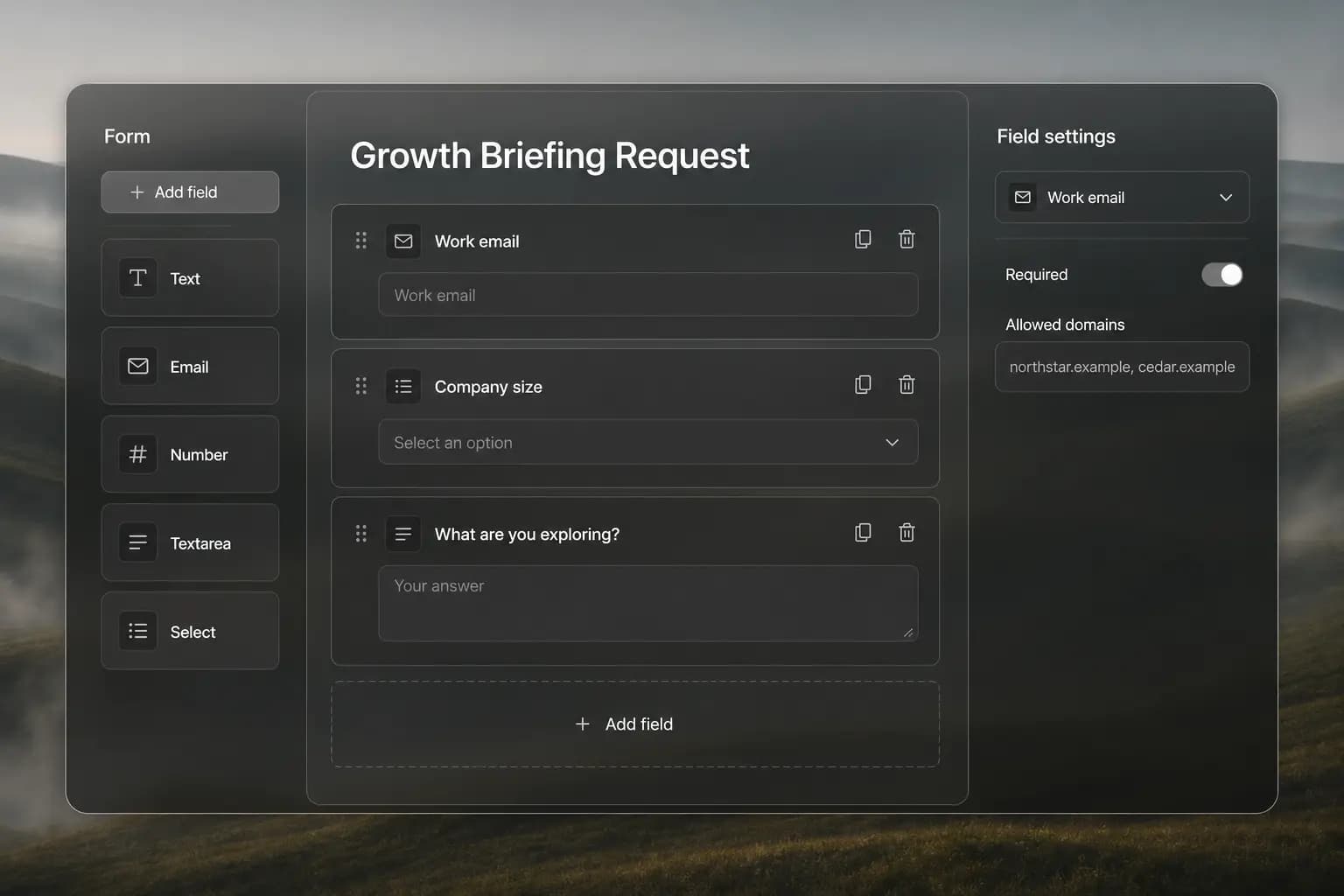
The Gen-X builder keeps steps, fields, preview, settings, embed, sharing, and publishing in one focused surface.
Organize qualification questions into clear steps.
Choose and edit fields without touching code.
Preview the experience before embedding or publishing.
Practical ways to get value sooner.
Ask only what changes the next action
Every required field adds friction. Prioritize the information your team will actually use to qualify or route the response.
Put easy questions first
Start with familiar contact details, then move into the questions that require more thought or business context.
Review the AI draft before publishing
Check wording, required fields, consent language, and routing assumptions against the exact campaign and audience.
Frequently asked questions
Build the form your next campaign needs.
Describe the outcome, let AI create the first draft, and publish a lead capture experience your team controls.
Start free