AI meeting assistant
An AI meeting assistant that carries conversation into action.
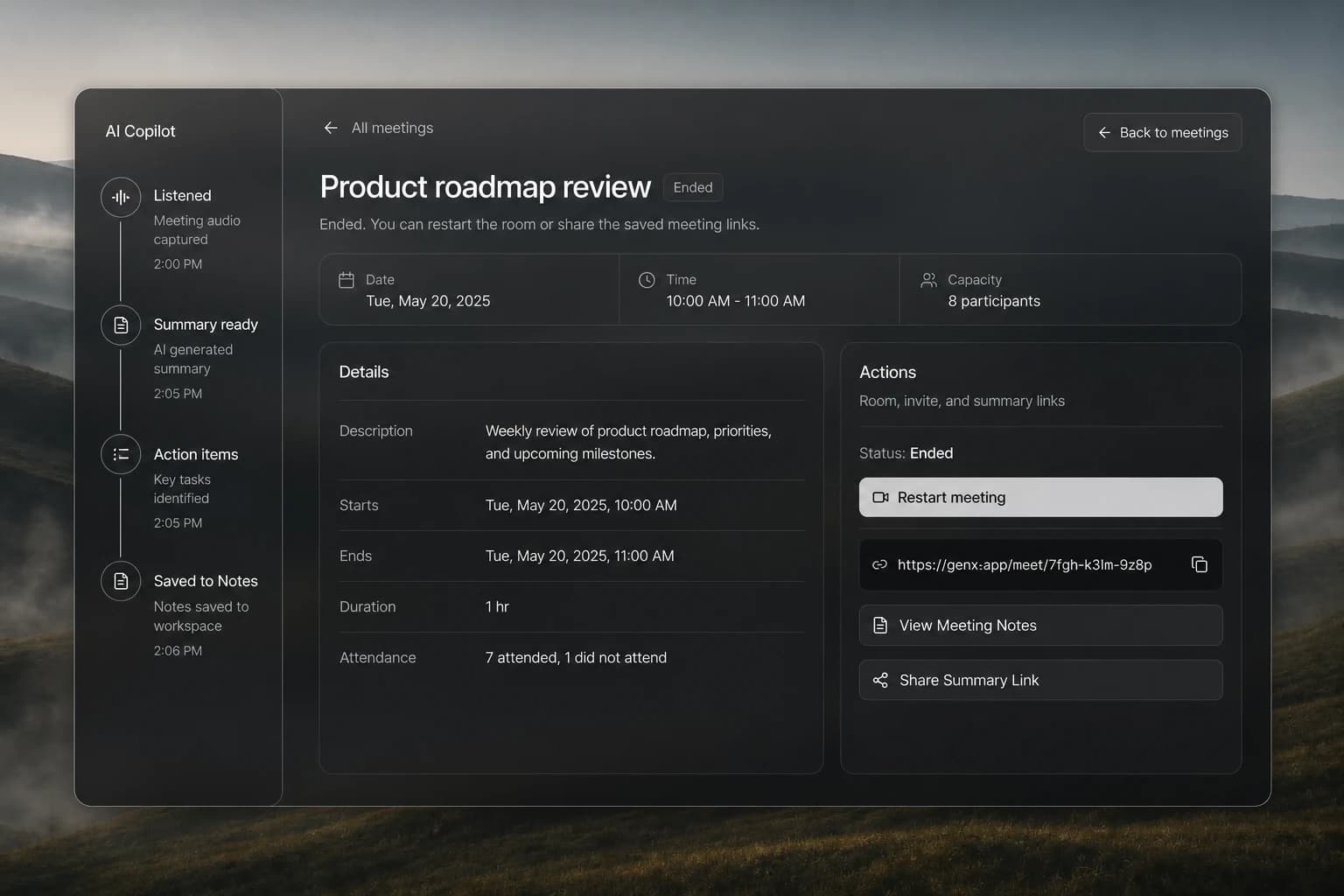
Gen-X AI meeting assistant joins sales calls, listens, summarizes conversations, extracts action items, performs follow-up work, and saves the record to Notes.
What should an AI meeting assistant do after the call?
Transcription is only the beginning. A useful copilot understands the conversation, makes the next steps explicit, and carries that context into the system where work continues.
AI Copilot joins and listens
Bring Copilot into the conversation so the team can stay present while Gen-X captures the meeting context.
Summaries that preserve the signal
Turn the transcript into a concise account of the conversation, decisions, objections, and open questions.
Automatic action-item extraction
Identify the commitments, owners, and next steps that would otherwise disappear into an unstructured transcript.
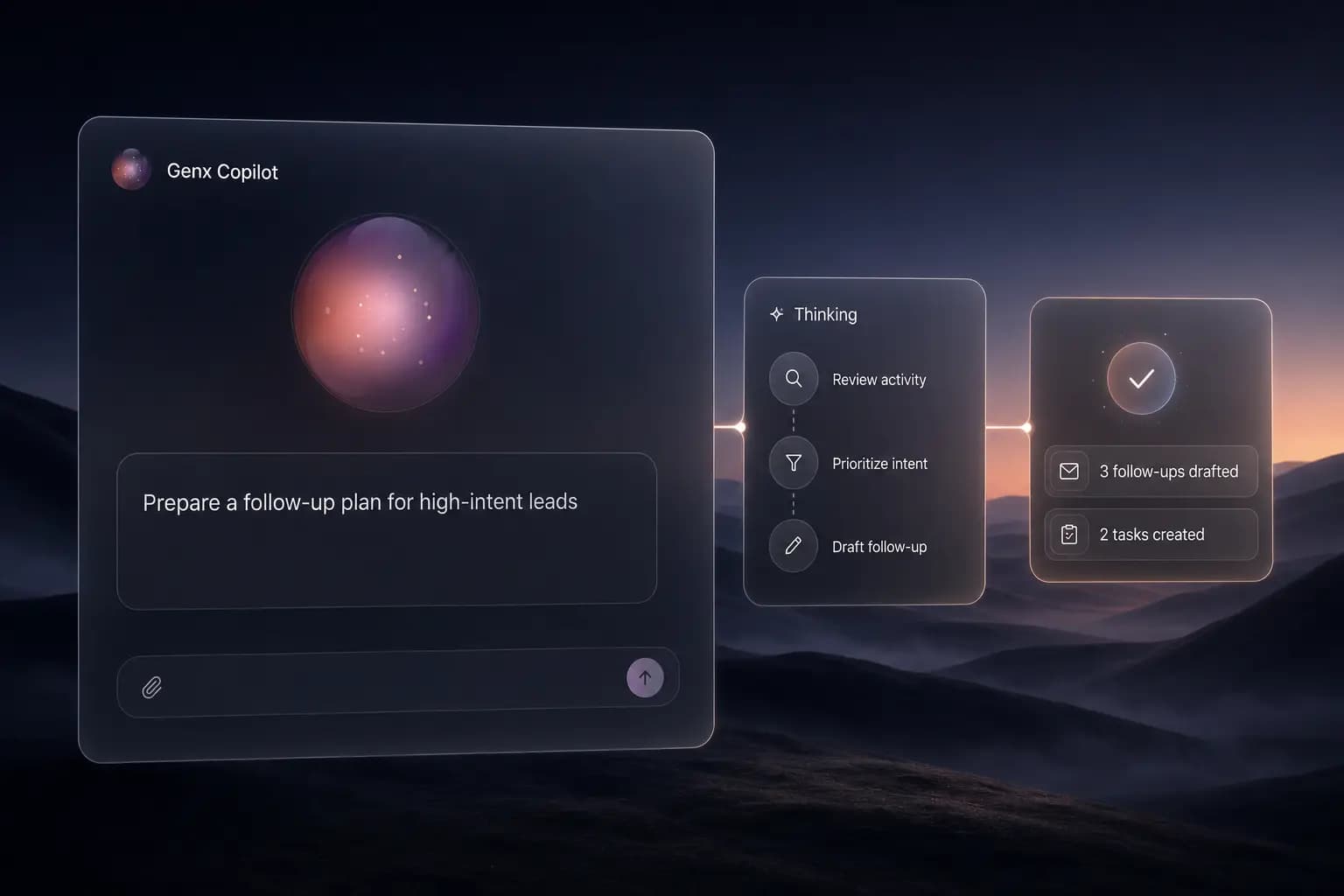
Follow-up actions from the same workspace
Use the captured context to perform approved follow-up work without rebuilding the conversation in another tool.
Meeting records saved to Notes
Keep the summary, transcript, and action items in Gen-X Notes so the account history remains available to the team.
Shareable summaries
Give collaborators a focused record of what happened and what comes next without forwarding a raw recording.
A connected workflow from intent to action.
Join and listen
Copilot captures the live conversation while the team focuses on the people in the room.
Understand and extract
AI turns the transcript into a summary, decisions, open questions, and accountable action items.
Act and preserve
Follow-up work moves forward and the complete meeting record is saved into Gen-X Notes.
Connected AI workflow
The meeting record stays connected to the next action.
Meeting output moves into the same AI-assisted workspace as the note and follow-up, so a conversation does not become another disconnected file.
Open the linked meeting note from the completed meeting.
Share a focused summary without exposing the full workspace.
Return to the meeting context when the account moves forward.
Practical ways to get value sooner.
Keep consent and expectations clear
Tell participants when an AI assistant is present and follow the recording and consent requirements that apply to your region and organization.
Review important commitments
Use AI output as an operational draft and confirm owners, dates, and commercial commitments before acting on them.
Use Notes as the durable record
Keep the summary and action items attached to the account context instead of scattering them across chat, email, and local documents.
Frequently asked questions
Let every sales conversation create its own next step.
Bring Gen-X AI Copilot into the meeting, leave with a useful summary, and keep follow-up connected to Notes.
Start free